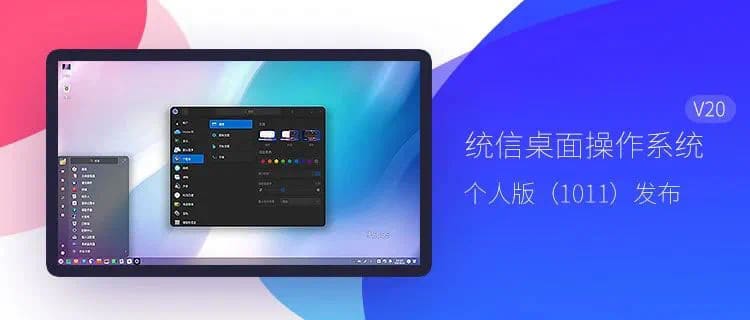
Union Tech, the developer of the China-made UnionTech OS, has announced the release of UnionTech OS V20 Personal Edition (1011).
After the release of UnionTech OS V20 Personal Edition, Union Tech continues to optimize and update the system's features, compatibility adaptations, performance improvements, security vulnerability fixes, and system defect fixes based on feedback from the community and users of the Personal Edition.
UnionTech OS V20 Personal Edition (1011) optimizes DDE's user interactivity, user interface details, WIFI signal strength, system password security, fingerprint recognition and other functions and performance.

This update improves the smoothness and user experience of desktop-based operation, reduces bugs, and improves the overall stability and performance of the desktop.
UnionTech OS joins Chinese firms including Huawei to form Cloud Desktop Lab
Function optimization and system update:
DDE
Optimize page flip click effect in full screen mode
Optimized launcher hover effect for full-screen mode icons
Optimize the lock screen interface to speed up unlocking after entering the correct password
Optimize the locking mechanism when the system logs in and enters wrong password multiple times to improve system security.
Optimize WiFi signal strength
Optimize the launcher icon for full-screen mode
License Management Page UI Interface Optimization
Launcher window mode optimizes mouse scrolling speed
Optimize the display of the application icon list in full-screen mode of the launcher
Optimize window fit when connecting dual touch screens
Fix first press not responding when entering fingerprints
Fix issue with screen settings not being saved when multiple touchscreens are connected
Fix the problem that icons are still preserved when apps are deleted from the taskbar under Cloud Desktop.
Fix the problem of manual color temperature adjustment not working under Cloud Desktop.
Fix AMD specific models not automatically matching recommended refresh rate issue
Device Manager
Device Manager System Display Name Modification
Window Manager
Fix the problem that the window occasionally follows the movement of the mouse.
Fix the problem of not being able to add a workspace when using shortcut keys in workspace preview mode.
backup and restore
Optimize the system display after backup and restore in multi-screen copy mode
viewer
Fix the issue where some GIFs appear to be faded when viewed on certain AMD platform models.
Cinema Features
Theatrical support for MPEG2 and WMV9 formats for hard-decoding playback.
Help manuals
Update the contents of the personal version of the help manual