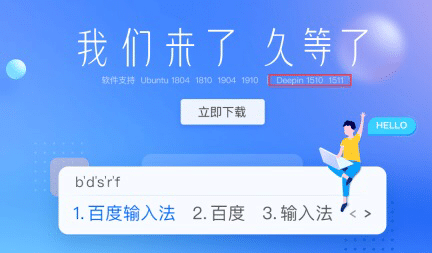
After the release of Baidu Input Method for Linux, the Deepin team said that after a rigorous review, Baidu Input Method for Linux has hit the Deepin App Store. Users can now download and install it directly from the Deepin store.
Baidu Input Method for Linux explicitly supports Deepin 15.10 and 15.11, and has been tested and works well on Deepin V20 Beta.
This also heralds the Deepin software application ecology to go further and provide better service to users.
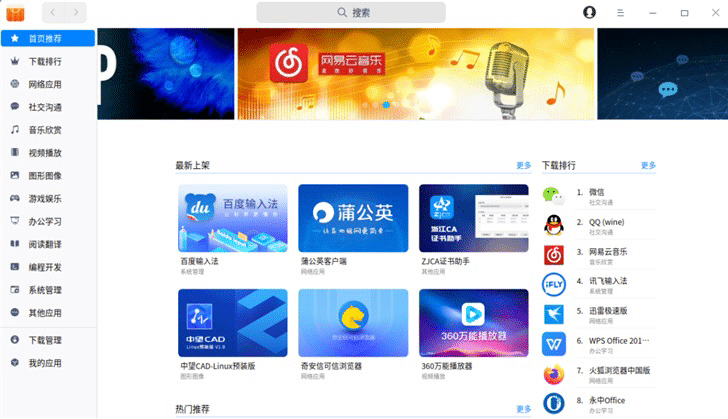
Here's how to use the Baidu input method for Linux in Deepin.
First: App Store Download
1. Open the app store
2. Find the Baidu input method
3. click download and install
Second: Download the official website
1. Open the official website.
https://srf.baidu.com/site/guanwang_linux/index.html
2. click to download now
3. Available after installation
Deepin is a Linux distribution dedicated to providing users worldwide with a beautiful, easy-to-use, secure and stable distribution that supports 33 languages worldwide.
With more than 80 million downloads and 105 mirror sites in 33 countries on 6 continents, it is in the top 10 of the international Linux distribution charts.