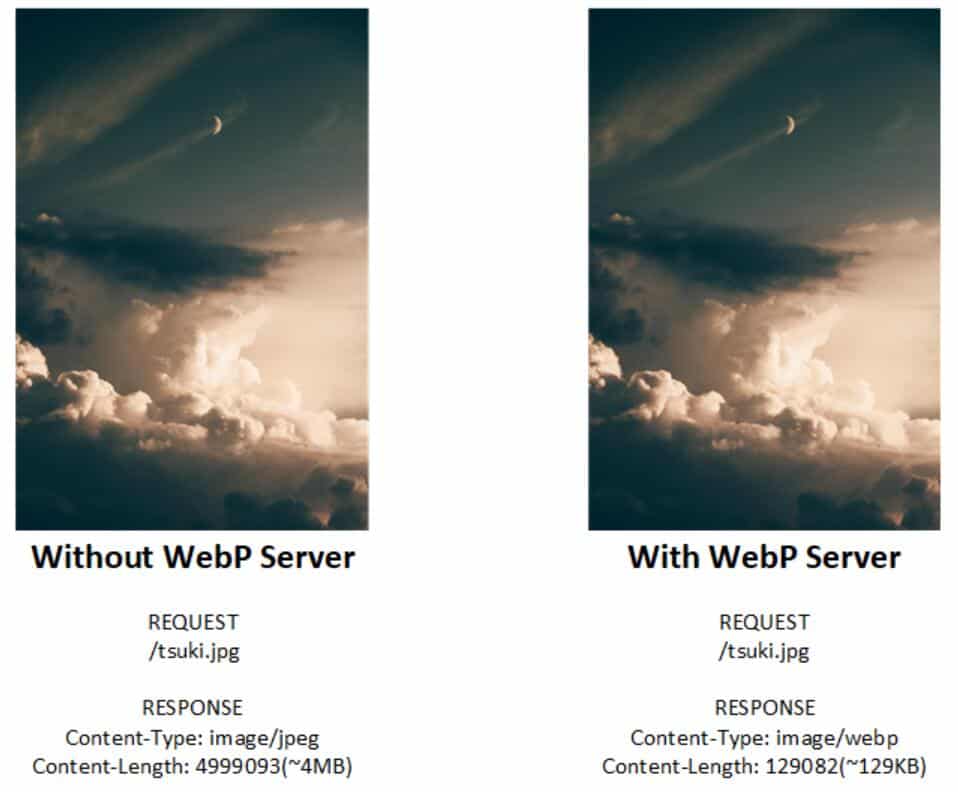
WebP is a picture file format that provides both lossy and lossless compression. The goal is to reduce the file size but achieve almost the same picture quality as the JPEG format.
Generating a single WebP image is very simple, and batch conversion is not too difficult. But how to make the website's pictures painlessly output in WebP format, such as how to convert 100+ pictures on a blog?
Some cloud service providers provide conversion services. For personal sites, in order to also compress the WebP format of pictures without changing the original URL of the site, to save traffic and increase the speed of page loading, WebP Server Go was applied Was born.
WebP Server written in Go is a single binary with excellent performance and can seamlessly convert JPG / PNG to webp.
Only one configuration is required to output the site image in WebP format without changing the URL. The only changes are content-type and length, which speeds up the site painlessly.
It took 10 seconds to download a 10M picture. Using WebP Server Go took only one second.
You can view the source code on GitHub:
https://github.com/webp-sh/webp_server_go
